MCP Integration

Generate Invoices with Perplexity

Connect Perplexity to your pmnt account and create invoices with IBAN payment QR codes from your threads.

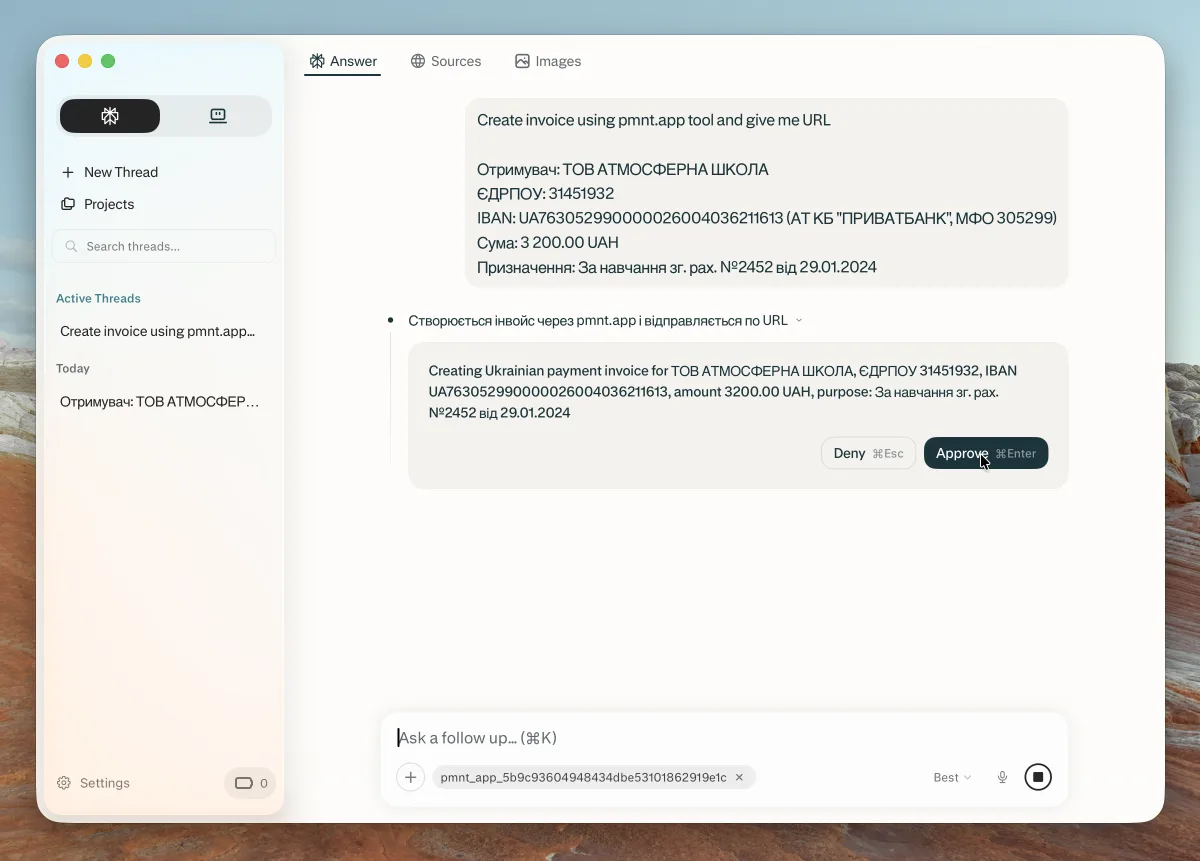
Describe the payment or attach a document. Perplexity creates the invoice in your account and gives you a payment link.

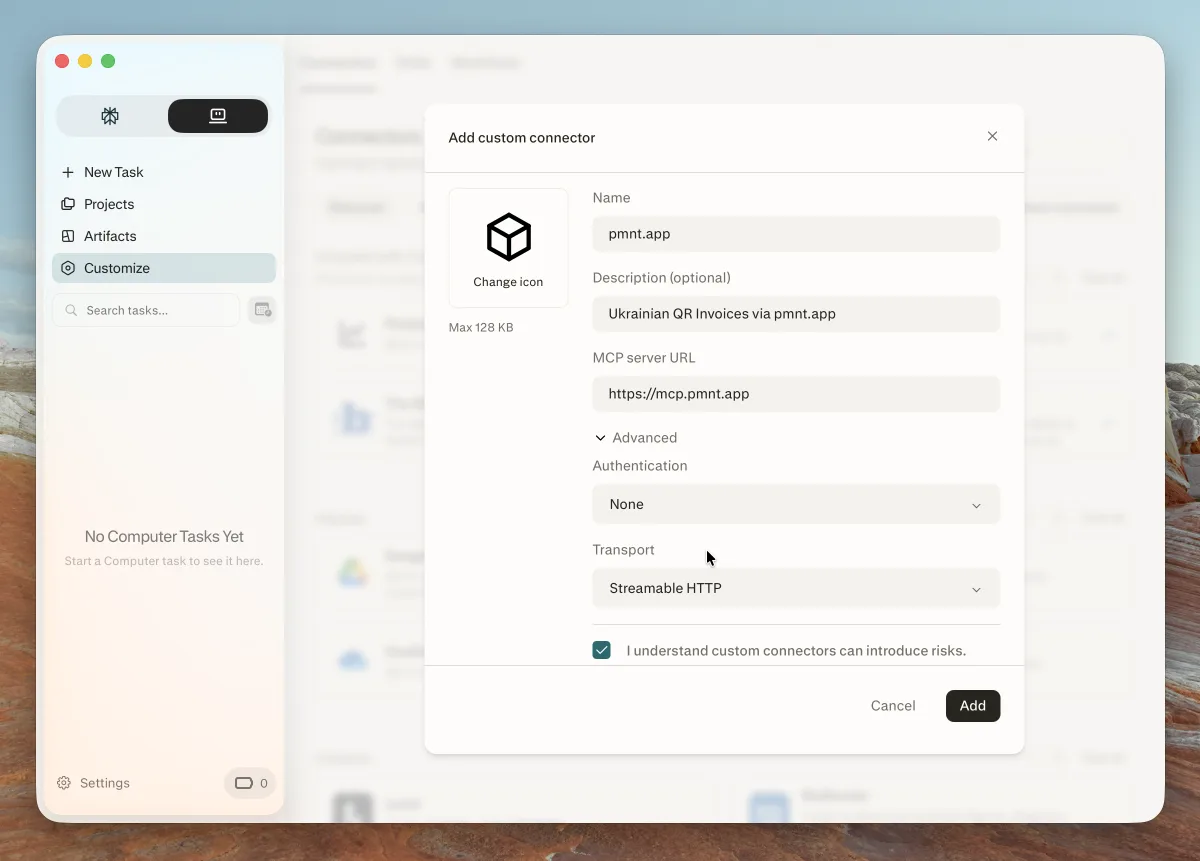
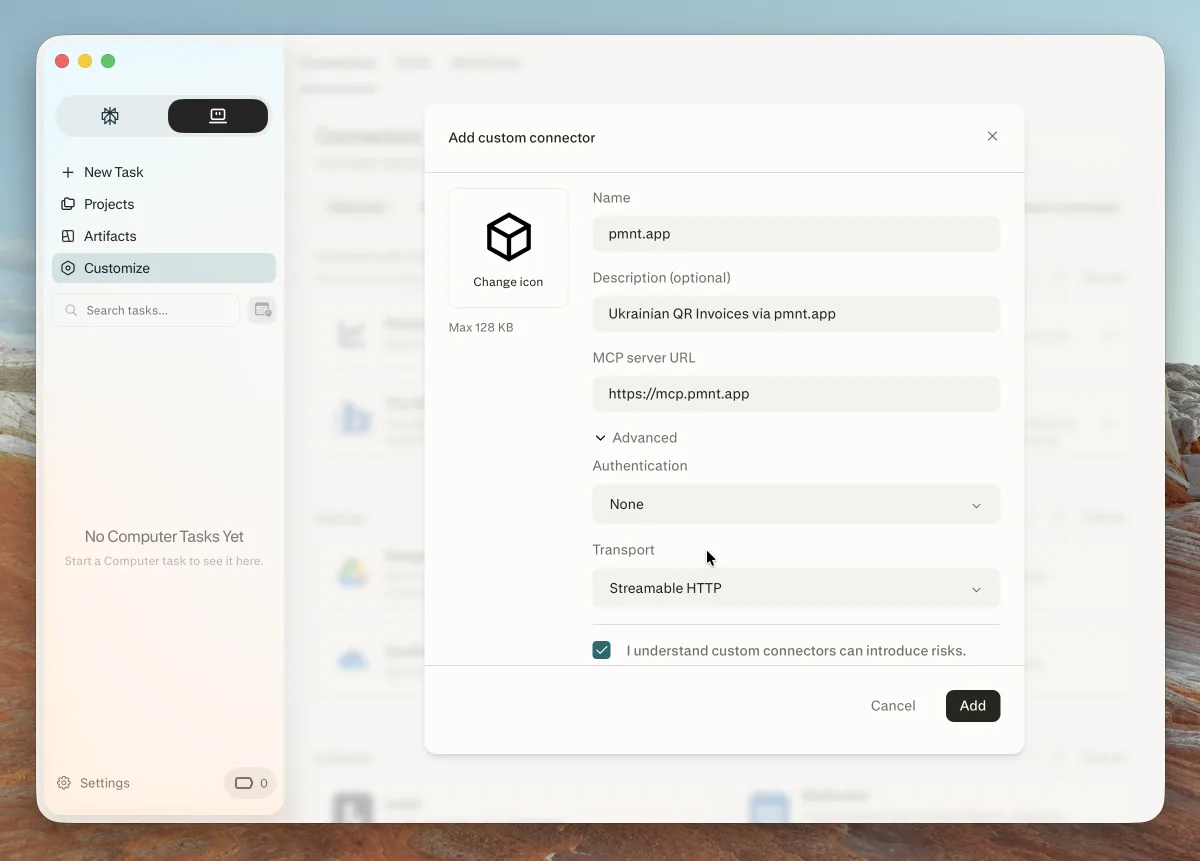
MCP Server URL

https://mcp.pmnt.app

Enter the URL exactly as shown. Do not add a slash at the end.

Requirements

You need a pmnt account with an active trial or subscription. Add at least one business with a bank account at app.pmnt.app. The 15-day free trial starts when you first sign in at app.pmnt.app.

What you can do

Upload Documents

Paste invoice details or upload a document. Perplexity extracts payment data automatically.

Natural Language

Describe the payment in plain words. Perplexity creates the invoice with your IBAN and the correct amount.

Instant QR Codes

Get shareable payment links with QR codes. Recipients scan and pay via their banking app.

Privacy Policy

When you use pmnt through an AI assistant, we process this data to create your invoice:

Your pmnt account

Your user ID from the pmnt sign-in service. We use it to find your account and to check your trial or subscription.

Business and bank account

The business and the IBAN from your pmnt account that the invoice uses. The assistant does not need to send your IBAN or tax ID.

Payment purpose description

A short description of the transfer purpose, e.g. 'For goods delivery', 'Service payment', etc.

Payment amount and currency (optional)

The transfer amount in Ukrainian hryvnia (UAH).

Data We Do NOT Collect

Chat history, your location, payment card data and your password. The MCP server checks your sign-in token on each request. It does not store the token.

Data Sharing

We send the invoice request only to the pmnt account service (app.pmnt.app). It saves the QR code images in cloud object storage behind a CDN. The provider of your AI assistant (for example Anthropic, OpenAI, Perplexity or Google) carries the request and the result. Its own privacy policy covers your chat. We use Sentry to find errors in the MCP server and in the account service. We do not sell your data.

Data Retention

Invoices that you create through an AI assistant are saved in your pmnt account, the same as invoices that you create on the web. They stay there until you delete them. If you delete a business or a bank account, its invoices are deleted too. Statistics about visits to a payment page are kept for up to 2 years, also after you delete the invoice.

Contact

For privacy-related questions or data deletion requests, contact us at: support+legal@pmnt.app

Read the full MCP Privacy Policy